• Home
  • About Us
  • Toolkit
  • Getting Finances Done
    • Hiring Advisors
    • Debt Management
    • Spending Plan
  • Insurance
    • Life Insurance
    • Health Insurance
    • Disability Insurance
    • Homeowners/Renters Insurance
  • Contact Us
  • Risk Tolerance Quiz
  • Our Editorial Commitment

The Free Financial Advisor

You are here: Home / Archives for digital habits

8 Email Habits That Make You a Target for Identity Theft After 40

August 9, 2025 by Catherine Reed Leave a Comment

8 Email Habits That Make You a Target for Identity Theft After 40
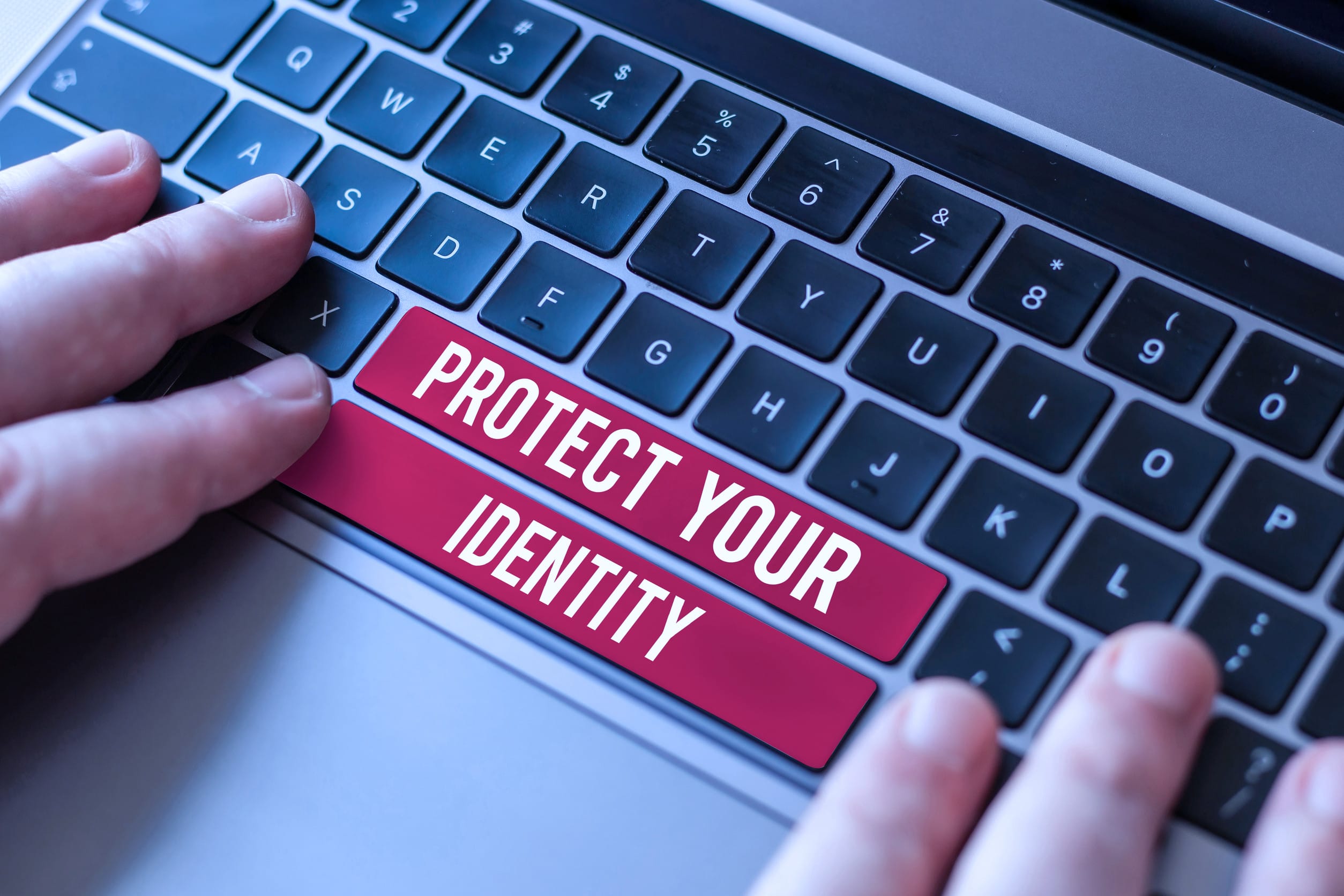
Image source: 123rf.com

Once you hit your 40s, chances are you’ve got a solid online footprint, a decent credit score, and a lot to protect—which makes you the perfect target for identity thieves. And while many people assume it’s shopping sites or social media that pose the biggest risk, your inbox may be the real weak spot. Every year, cybercriminals refine their tactics, and one wrong click can expose your personal and financial information in seconds. That’s why it’s important to recognize the email habits that make you a target for identity theft after 40. Here are eight habits to ditch before your inbox becomes your biggest liability.

1. Using the Same Password for Multiple Accounts

Reusing passwords is one of the riskiest email habits that make you a target for identity theft after 40. If a hacker gains access to one of your accounts in a data breach, they can try the same password on your email, banking, or shopping accounts. Unfortunately, many adults reuse passwords for convenience, especially when juggling work, family, and financial responsibilities. Once your email is compromised, criminals can intercept password reset emails and lock you out of other accounts. A password manager can help you create and store strong, unique passwords for every login.

2. Clicking Links Without Double-Checking the Sender

Phishing scams are getting more convincing, and clicking on a malicious link is still one of the easiest ways to get hacked. Emails that look like they’re from your bank, utility company, or favorite retailer can be fake, with small tweaks in the sender’s email address. One careless click can lead to fake login pages, malware downloads, or even ransomware. This is one of the most common email habits that make you a target for identity theft after 40, especially for people juggling busy schedules. Always verify the sender before clicking and go directly to the company’s website when in doubt.

3. Leaving Old Emails with Sensitive Info in Your Inbox

Think of your inbox like a filing cabinet—would you leave your Social Security number or tax documents lying around in there? Many people do just that without realizing it. If your inbox holds old emails with tax returns, medical records, or banking info, you’re giving cybercriminals a goldmine if your account is ever hacked. Regularly clean out your inbox and store important documents offline or in secure cloud storage. Holding onto sensitive information in email is one of the overlooked email habits that make you a target for identity theft after 40.

4. Ignoring Two-Factor Authentication

Two-factor authentication (2FA) adds a second layer of security to your email account, yet many users still haven’t turned it on. After 40, you likely have access to more financial accounts, employer systems, and online services that connect to your primary email. That makes protecting your inbox even more critical. With 2FA, even if someone gets your password, they still need a code from your phone or an app to log in. It’s a simple step that can block most unauthorized access attempts and reduce your exposure dramatically.

5. Opening Emails from Unknown Senders “Just to See”

Curiosity may have killed the cat, but it also compromises thousands of inboxes every day. Opening suspicious emails—even without clicking links—can confirm to scammers that your address is active. That opens the floodgates for more targeted phishing attempts and scam messages. Many people in their 40s receive emails related to mortgages, college savings, or retirement planning, and scammers know how to tailor messages to these interests. One of the email habits that make you a target for identity theft after 40 is thinking it’s harmless to take a peek.

6. Auto-Saving Email Addresses and Login Info in Browsers

Allowing your browser to auto-fill your email credentials may feel convenient, but it’s also a security risk—especially if your device is lost or hacked. Anyone with access to your device can easily get into your email and see everything from credit card receipts to travel confirmations. This is particularly dangerous if you’re also saving login info for banking or healthcare portals. Turn off auto-fill for sensitive accounts and log in manually whenever possible. This small change can protect you from one of the riskiest email habits that make you a target for identity theft after 40.

7. Using Work Email for Personal Accounts

Mixing work and personal email use is a bad idea at any age, but after 40, it’s especially risky. If you lose access to your job’s email system or change employers, you could be locked out of personal subscriptions, financial accounts, or online services. Even worse, if a company’s email server is compromised, your personal life is suddenly exposed too. Always keep personal and professional communications separate to minimize your vulnerability. It may be less convenient, but it’s a smarter long-term move.

8. Not Monitoring Your Email for Unusual Activity

Many people assume their email is fine as long as they can log in. But identity thieves often access email accounts without changing passwords so they can quietly monitor your activity. Look out for login notifications, new forwarding rules, or emails marked as read when you haven’t opened them. These are signs someone else could be watching your inbox. Failing to monitor your email regularly is one of the most damaging email habits that make you a target for identity theft after 40.

Take Control Before Someone Else Does

Cybercriminals know that people over 40 often have more assets, responsibilities, and digital accounts than younger users. That’s exactly why they’re targeting your inbox. By ditching these common email habits that make you a target for identity theft after 40, you can drastically reduce your risk and protect your personal and financial future. Security doesn’t require paranoia—it just takes awareness, routine updates, and a few smart habits.

Have you changed your email habits in recent years to stay safer online? What tips or tools do you rely on? Share with us in the comments!

Read More:

Everyday Mistakes That Make You Vulnerable to Criminals

6 Financial Traps Retirees Walk Into Without Questioning

Catherine Reed
Catherine Reed

Catherine is a tech-savvy writer who has focused on the personal finance space for more than eight years. She has a Bachelor’s in Information Technology and enjoys showcasing how tech can simplify everyday personal finance tasks like budgeting, spending tracking, and planning for the future. Additionally, she’s explored the ins and outs of the world of side hustles and loves to share what she’s learned along the way. When she’s not working, you can find her relaxing at home in the Pacific Northwest with her two cats or enjoying a cup of coffee at her neighborhood cafe.

Filed Under: Online Safety Tagged With: cybercrime prevention, cybersecurity, digital habits, email safety, email security, financial protection, identity theft, online safety tips, over 40

7 Overlooked Ways Your Phone Is Draining Your Wallet

June 17, 2025 by Travis Campbell Leave a Comment

phone
Image Source: pexels.com

Smartphones have become an essential part of our daily lives, but have you ever stopped to consider how much your phone is quietly costing you? Beyond the obvious monthly bill, your device can chip away at your finances in sneaky ways. Many people focus on the upfront price of a new phone or their data plan, but the real financial impact often hides in plain sight. If you’re looking to tighten your budget or simply become more mindful of your spending, it’s time to take a closer look at how your phone habits might be draining your wallet. Understanding these overlooked costs can help you make smarter choices and save more money.

1. In-App Purchases and Microtransactions

It’s easy to lose track of small purchases made within apps, especially games and productivity tools. Many apps are designed to encourage frequent spending, whether it’s for extra lives, premium features, or cosmetic upgrades. These microtransactions can add up quickly, sometimes costing users hundreds of dollars a year without them realizing it. To avoid this, regularly review your app spending and consider setting up purchase restrictions or notifications.

2. Automatic Subscription Renewals

Subscription services are everywhere, from streaming platforms to fitness apps. Many of these services offer free trials that automatically convert into paid subscriptions if you forget to cancel. It’s easy to lose track of what you’ve signed up for, especially if the charges are small and spread out. Take time each month to review your bank statements and app store subscriptions. Cancel anything you’re not actively using. This simple habit can save you a surprising amount of money over time.

3. Excessive Data Usage Fees

Streaming videos, playing online games, and using GPS navigation can quickly eat through your data allowance. You might face hefty overage charges if you exceed your plan’s limit. Even unlimited plans can throttle your speeds or tack on extra fees for certain types of usage. To keep your phone from draining your wallet through data fees, monitor your usage in your phone’s settings and connect to Wi-Fi whenever possible. Some carriers also offer data usage alerts to help you stay on track.

4. Mobile Payment Apps and Impulse Spending

Mobile payment apps like Apple Pay, Google Pay, and Venmo make spending money with just a tap straightforward. While convenient, this frictionless spending can lead to more frequent online and in-store impulse purchases. The ease of mobile payments can make it harder to track your spending and stick to a budget. Set spending limits within your payment apps and regularly review your transaction history to counteract this.

5. Costly Phone Insurance and Extended Warranties

Phone retailers and carriers often push insurance plans and extended warranties, promising peace of mind in case of loss or damage. However, these plans can be expensive and may not offer as much value as you think. Many people pay monthly premiums for years without ever making a claim, and deductibles can be high if you do need to use the coverage. Before signing up, compare the cost of insurance to the price of a potential repair or replacement. Setting aside a small emergency fund for electronics sometimes makes more financial sense.

6. Frequent Upgrades and Trade-Ins

The pressure to always have the latest phone can be a major drain on your wallet. Carriers and manufacturers market frequent upgrades and trade-in deals, but these often come with hidden costs, such as higher monthly payments or early termination fees. Holding onto your current phone for an extra year or two can save you hundreds of dollars. If you do decide to upgrade, research the true value of your trade-in and consider selling your old device independently for a better return.

7. Background Apps and Battery Drain

Many apps run in the background, using data and draining your battery faster than you realize. This can lead to more frequent charging, which over time reduces your battery’s lifespan and may force you to pay for a replacement sooner than expected. Some background apps also use location services, which can increase data usage and costs. To prevent unnecessary expenses, regularly close unused apps, disable background activity for non-essential apps, and adjust your location settings.

Take Control of Your Phone’s Hidden Costs

Your phone is a powerful tool, but shouldn’t quietly sabotage your financial goals. By becoming aware of these overlooked ways your phone is draining your wallet, you can take practical steps to minimize unnecessary spending. Review your app purchases, monitor subscriptions, and consider how convenience features like mobile payments and automatic renewals can add up. Small changes in your phone habits can lead to significant savings over time, helping you keep more of your hard-earned money where it belongs.

Have you noticed any sneaky ways your phone has cost you money? Share your experiences or tips in the comments below!

Read More

How to Date Your Bank

5 Biggest Refinance Concerns

Travis Campbell
Travis Campbell

Travis Campbell is a digital marketer/developer with over 10 years of experience and a writer for over 6 years. He holds a degree in E-commerce and likes to share life advice he’s learned over the years. Travis loves spending time on the golf course or at the gym when he’s not working.

Filed Under: Finance Tagged With: budgeting, digital habits, mobile apps, Personal Finance, saving money, smartphone spending, subscriptions

FOLLOW US

Search this site:

Recent Posts

  • Can My Savings Account Affect My Financial Aid? by Tamila McDonald
  • 12 Ways Gen X’s Views Clash with Millennials… by Tamila McDonald
  • What Advantages and Disadvantages Are There To… by Jacob Sensiba
  • 10 Tactics for Building an Emergency Fund from Scratch by Vanessa Bermudez
  • Call 911: Go To the Emergency Room Immediately If… by Stephen Kanaval
  • 7 Weird Things You Can Sell Online by Tamila McDonald
  • 10 Scary Facts About DriveTime by Tamila McDonald

Copyright © 2026 · News Pro Theme on Genesis Framework